BthPS3 Installed Successfully
Congratulations—BthPS3 is now installed.
BthPS3 v3.0.0 and newer
If setup asked you to reboot—typical for BTHX/BthMini radios such as Intel PCIe iBtPciBus, or if you chose Ignore on error 9002—reboot before pairing a controller. The filter does not finish loading until after that reboot.
Next steps
You will probably want to install the companion solution DsHidMini (if you have not already) for support in games and emulators.
You usually do not need to change the default settings. For details on the configuration tool, see the Driver Configuration Utility.
You can support the authors by making a donation.
Troubleshooting
If you have trouble getting your devices to connect, check these resources before asking for help:
Event logs
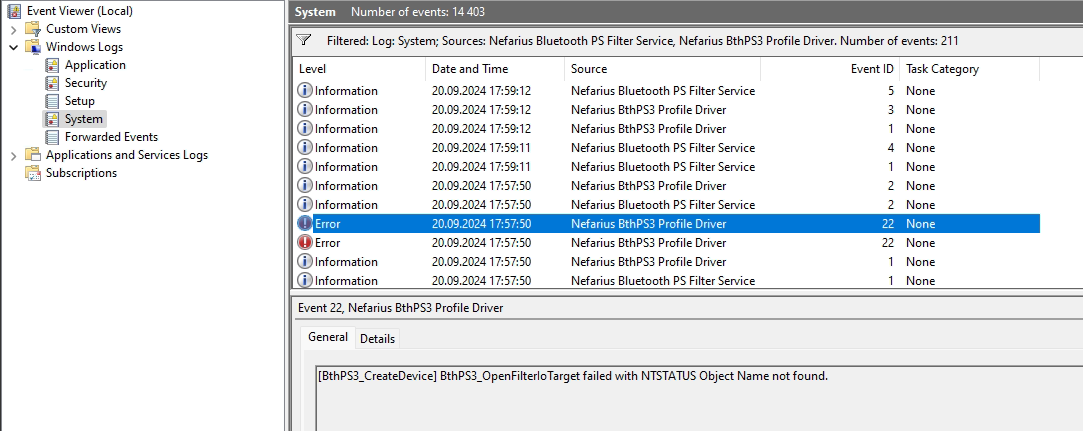
The drivers write warnings and critical errors to the Windows Event Log under Windows Logs → System, from these sources:
- Nefarius Bluetooth PS Filter Service
- Nefarius BthPS3 Profile Driver
Driver traces
For more detailed driver output, see Debugging the drivers.